 Semacode Semacode
Or drop an image / screenshot here — the content shows up instantly.
JPG, PNG or HEIC · up to 10 MB
Add your logo — we verify it stays readable.
Everything runs privately in your browser — nothing is uploaded. If a code is too damaged to fix automatically, you can send it in and we keep working on it.
Thanks! We'll email you as soon as we have a result.
If we get it back, what would that be worth to you? (in francs)
That helps more than you would think.
If we get it back, the content is yours free. If you also want the checked, print-ready file, just say so when you reply — CHF 2.99, payable only after you have it.
Noted: you want the checked, print-ready version. It comes with the result — CHF 2.99, payable only after you have it.
Once it has worked out, a short review would help us a lot.
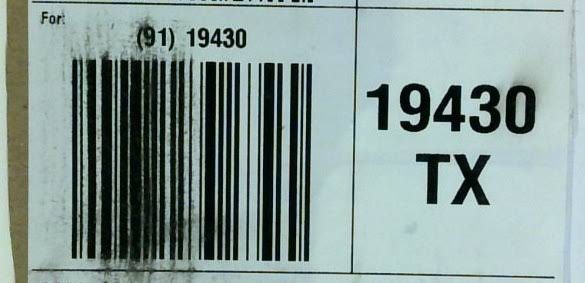
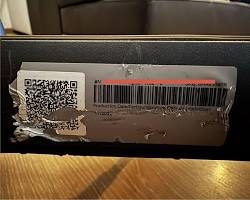
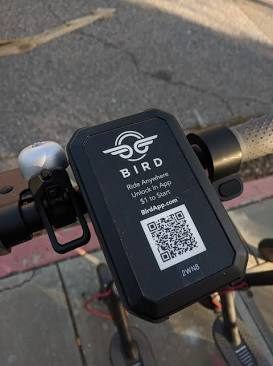
Real feedback from people whose codes we brought back. Rescued something yourself? Leave a rating — it helps others trust the service.
Your review was received and will appear here once it's approved.
Generate a code with your logo — verified to scan — or drop an image to fix one. No app, no account.
AI scores readability — contrast, sharpness, quiet zone — and reconstructs damaged modules.
Read the content, confirm compliance and download a clean, production-ready code.
Every damaged code falls into one of three cases. Here's exactly what happens with yours — no false promises.
Blurry, low-contrast, slightly smudged or crumpled. Our engine cleans it up right in your browser and hands back the content — no signup, no charge.
Free · in your browser · secondsBadly damaged, but part of the structure survives. Register with your email and submit the code — our AI keeps learning from cases like yours, and we email you the moment we can recover it.
Register · submit · we notify youToo much of the code is missing — a destroyed corner marker or a torn-away section. That information is no longer in the image, so no tool can bring it back. We'll tell you straight.
We tell you honestlyNow reads Data Matrix codes too — the 2D code on automotive, pharma and industrial parts. Data Matrix repair →
Fixing broken codes is what we do best — but you can also read any QR code and build your own, right here, no signup.
The same AI that rescues a single broken code prevents millions of unreadable ones from ever being printed.
Smudged, crumpled or photographed out of focus? Upload it, get the content back and download a clean, working code.
Validate the master design and every printed instance against GS1, UDI and VDA standards — before defects reach the line.
If this helped, a quick rating means a lot.
Your review will appear once it's approved.
 …or scan to tip from your phone
One question, and it changes nothing: Semacode stays free. What would getting this code back have been worth to you?
That helps more than you would think.